Text Invisible – Free Invisible & Blank Text Generator Online
Create invisible text or blank characters to use in TikTok comments, WhatsApp messages, Instagram bios and Gaming usernames. This invisible text helps you send seemingly blank messages, create spaces or create unique usernames. Just copy and paste it anywhere you want in one click.
Invisible Text Generator
Create invisible text, characters and empty messages for WhatsApp, Instagram and other Socials media.
What Is Invisible Text?
Invisible text is actually a set of special characters based on Unicode that are not visible, but are fully recognized by the system. Normally, we use spaces to create blank spaces, but with the help of invisible characters, you can create blank spaces, line breaks, or hidden text without pressing space. This feature makes it different and more useful than regular text.
This technology is not only useful in technical or financial fields, but is also quite popular on social media. On platforms like Instagram, TikTok, and WhatsApp, people use invisible text to format profiles, highlight messages, or surprise friends in a fun way. Although it cannot be used in usernames, it can be an interesting and useful tool for displaying names, bios, messages, and even online games.
In short, invisible text is a simple yet smart solution that provides an opportunity to use whitespace, formatting, and creative expression in a new way.
Types Of Unicode In Table Form With Invisible Characters [ ]
| Unicode | Description | HTML Entity | Example (Click) |
|---|
Key Features Of Blank Text Generator
Blank Text Generator is a simple yet effective tool that makes it very easy to create and use invisible characters. Below are its features explained in a clear, concise, and unique way:
- Very easy to use: You can use this tool easily, no technical skills are required. As many blank letters as you want are instantly generated, which you can easily copy.
- Quick Copy and Paste: After creating invisible text, just copy it in one click and paste it on WhatsApp, Instagram, TikTok or any social media platform.
- Completely user-friendly design: Its interface is clean and simple, where every option is clearly visible without confusion. There are no unnecessary settings or complicated steps involved.
- Absolutely free to use: This tool is available without any fees, subscriptions, or logins, which allows every user to use it freely.
- Unlimited invisible characters: You can generate an unlimited number of blank text whenever you want, as many times as you want, without any restrictions.
- Multi-language support: Although the interface is usually in English, this tool is also usable by users of different languages, making language not a barrier.
- No additional account required: A great feature of this tool is that you don’t need to register or create an account, just open, copy and use.
All these features make the blank text generator a reliable, easy, and useful tool for every user, especially for those who want to adopt a creative and unique style on social media.
How To Use Texts Invisible?
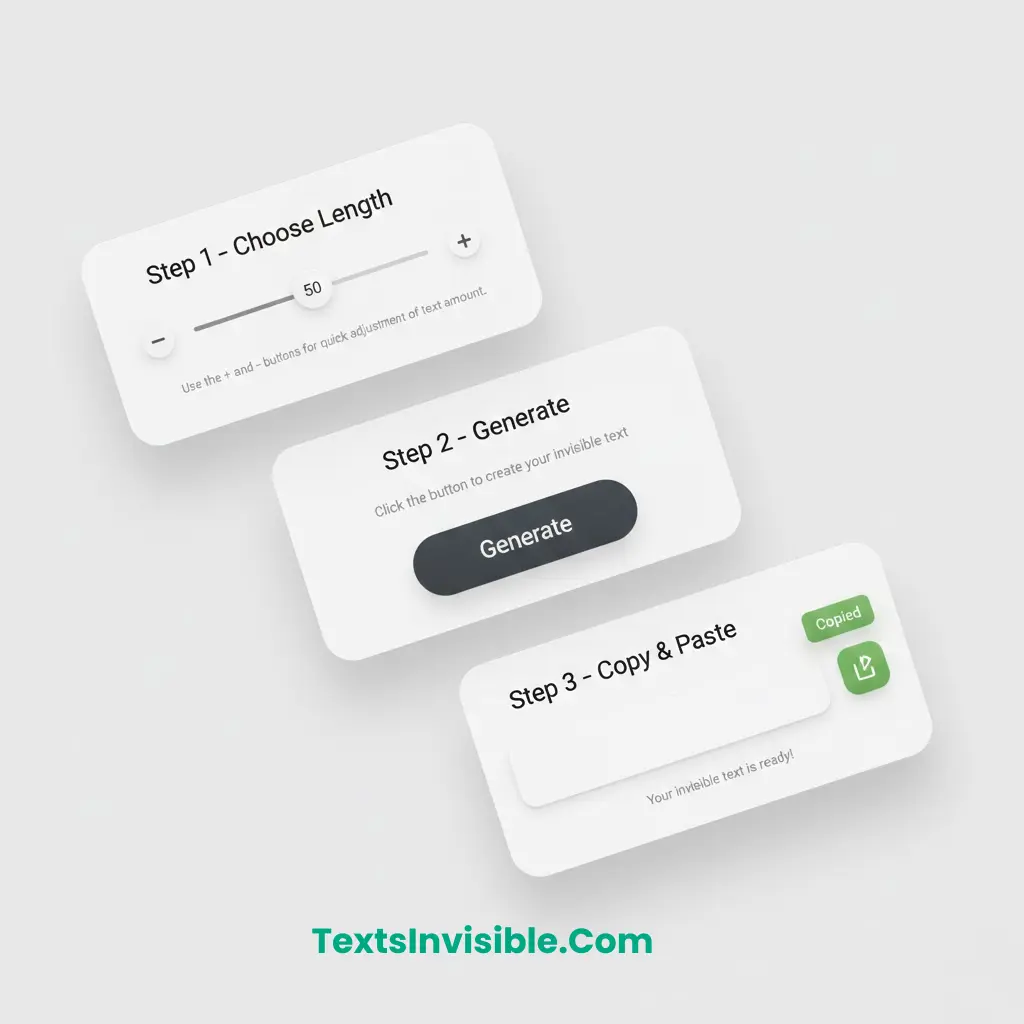
- Choose Length: Select how many invisible characters you want to generate. The default is 1 character set.
- Click Generate: Hit the generate button to create your unique string of hidden Unicode characters.
- Copy & Paste: Copy the result to your clipboard and paste it wherever you need blank space.
- Easy Button: For convenience, there are 2 buttons for increasing and decreasing the amount of text.
Invisible Text Generator – FAQs
Frequently Asked Questions
See Latest Post
The Ultimate Guide to Invisible Text: How to Use Blank Space Like a Pro
Have you ever wondered how some people send “empty” messages on WhatsApp or have a completely blank nickname in games…
Copy EM Space (U+2003) Unicode Character & EM Quad
What Is the EM Space Character (U+2003)? An EM Space is a whitespace character equal to one full em in…
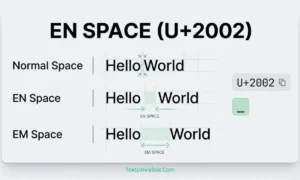
EN SPACE (U+2002) Explained – Unicode, HTML Code & Copy Button
What Is EN SPACE (U+2002)? EN SPACE is a special invisible text & Unicode space character that is slightly wider…