How to Send a Message with an Invisible Link | The Complete 2026 Guide
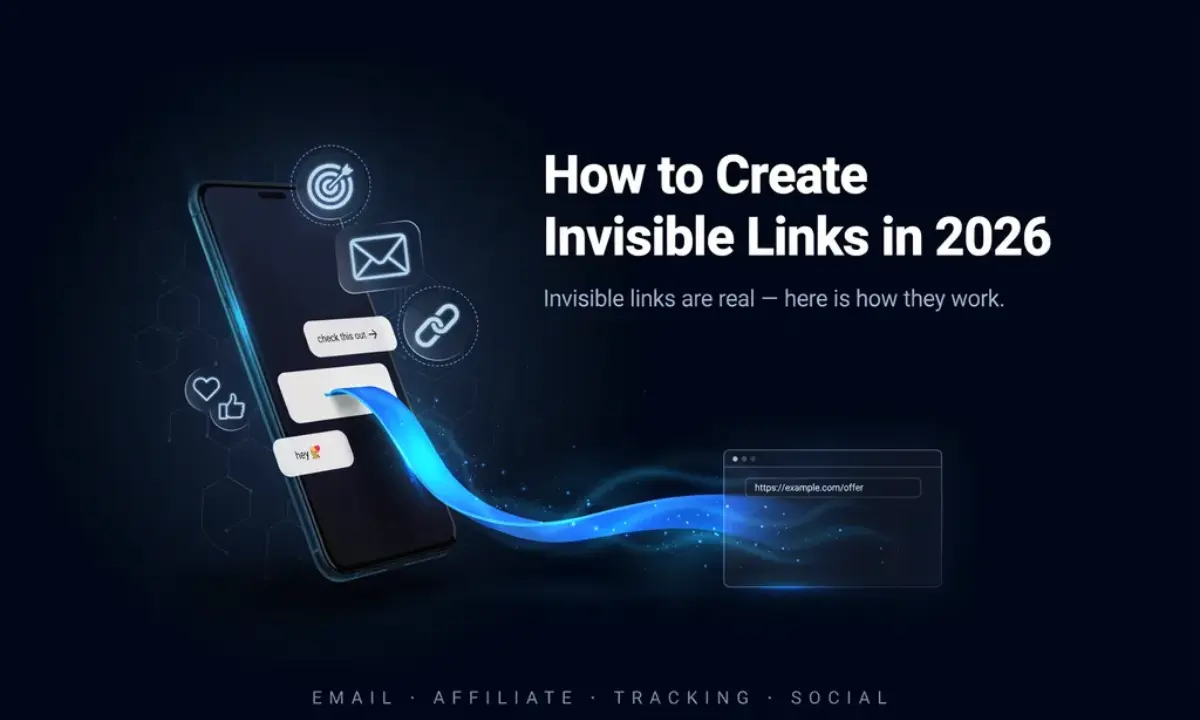
Imagine sending a normal-looking message to someone — clean, simple, no blue underlines — but hidden inside it is a real clickable link. When they tap it, they are redirected to a website, video, or file. This is the power of an invisible link.
In 2026, invisible links have become one of the most searched topics among marketers, content creators, and everyday users. And the secret behind most of them? The same invisible Unicode characters you use to send blank messages on WhatsApp or create empty bios on TikTok.
This guide will show you exactly how to build an invisible link step by step — and why it actually works.
What Is an Invisible Link?
An invisible link is a hyperlink with no visible anchor text. It uses a hidden Unicode character — such as a Zero-Width Space (U+200B) or similar blank character — as the clickable element. To the reader, nothing is there. But to the app or browser, a real link exists and is fully functional.
This is different from hiding a link behind normal words like “click here.” With an invisible link, there is no visible text at all — just empty space that secretly takes you somewhere when clicked.
Why Use Invisible Links?
There are many practical and creative reasons people use invisible links:
1. Click Tracking Without Ugly URLs
Instead of sharing a messy Bitly or UTM tracking link, you can embed an invisible link anywhere in your message. Every click is tracked silently.
2. Cleaner Messages and Emails
A message full of blue hyperlinks looks spammy. Invisible links keep your communication looking professional and natural.
3. Email Marketing Advantages
Hidden links are less likely to trigger spam filters. Many email marketers report significantly better inbox delivery rates when using invisible link methods.
4. Hiding Affiliate Links
Affiliate links are long and often look suspicious. Placing one on an invisible character keeps the message clean while still earning commission.
5. Easter Eggs and Surprises
Content creators and game designers hide links inside stories or posts. Readers who tap empty spaces discover hidden content — a reward for the curious.
Step-by-Step: How to Create an Invisible Link
Method 1 — On Mobile (WhatsApp, Telegram, Instagram DM)
Step 1: Generate an invisible character from a Unicode text tool. Copy it to your clipboard.
Step 2: Open your messaging app and paste the invisible character into your message. It will appear as if nothing is there.
Step 3: Long-press on the empty spot where you pasted the character. Select it carefully (it may look like nothing is selected — that is correct).
Step 4: Tap the formatting option (usually three dots or “More”) and look for “Link” or “Add Hyperlink.”
Step 5: Paste your destination URL and confirm.
Step 6: Send the message. The invisible link is now live.
Method 2 — On Desktop/Email (Gmail, Outlook, Discord)
Step 1: Copy an invisible Unicode character (U+200B works best).
Step 2: Open your email composer or chat window. Paste the character wherever you want the hidden link to be.
Step 3: Select the invisible character. Use Ctrl+K (Windows) or Cmd+K (Mac) to open the hyperlink dialog.
Step 4: Enter your URL and click OK.
Step 5: The character is now linked. It looks blank but is fully clickable.
Method 3 — White-on-White Text (Email Only)
This older but effective method works well in Gmail and Outlook:
- Type a single period .
- Change its font color to white
- Apply your hyperlink to that period
On a white email background, the dot vanishes completely. Readers cannot see it — but it is there and clickable.
Platform Compatibility in 2026
| Platform | Works? | Best Method |
|---|---|---|
| ✅ Yes | U+200B + Long Press Link | |
| Gmail | ✅ Yes | Ctrl+K or White Text |
| Outlook | ✅ Yes | Ctrl+K or White Text |
| Telegram | ✅ Yes | U+200B + Link Format |
| Discord | ✅ Yes | Markdown Hyperlink |
| Instagram DM | ✅ Yes | U+200B + Long Press |
| iMessage | ✅ Yes | Long Press + Link |
| Twitter/X DM | ⚠️ Partial | May strip formatting |
| SMS | ⚠️ Partial | Plain SMS does not support hyperlinks |
Important Tips for Best Results
Place the link near the end of your message. People naturally tap the end of a message when replying — this increases accidental (and intentional) clicks.
Do not use too many invisible links in one message. Most apps will not block one or two, but overuse can trigger spam detection.
Test before sending. Always send the message to yourself first and tap the invisible spot to confirm the link opens correctly.
Use a URL shortener for tracking. Combine your invisible link with a trackable short URL to measure clicks easily.
Final Thoughts
An invisible link is one of the most creative uses of Unicode invisible characters. By combining a blank Unicode character with a standard hyperlink, you can embed fully functional links into messages, emails, and posts — with zero visible trace. Whether you are a marketer improving click rates, a creator hiding Easter eggs, or simply someone who wants cleaner-looking messages, invisible links are a powerful tool in 2026. Start by generating your invisible character, attach your link, and send it — no one will see a thing.