The Ultimate Guide to Invisible Text: How to Use Blank Space Like a Pro
Have you ever wondered how some people send “empty” messages on WhatsApp or have a completely blank nickname in games like Free Fire? It looks like magic, but it’s actually a clever use of technology. In this guide, we will explore the world of Invisible Text, how to generate it, and the best ways to use it across your favourite apps and games.
Invisible Text Generator
Create invisible text, characters and empty messages for WhatsApp, Instagram and other Socials media.
What is Invisible Text?
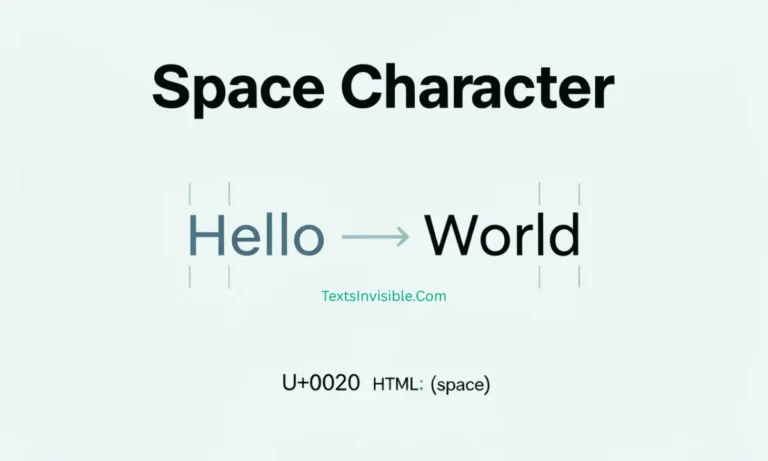
At its core, Invisible Text isn’t just a string of “spaces” made by your spacebar. Most apps and websites automatically delete regular spaces if there is no other text.
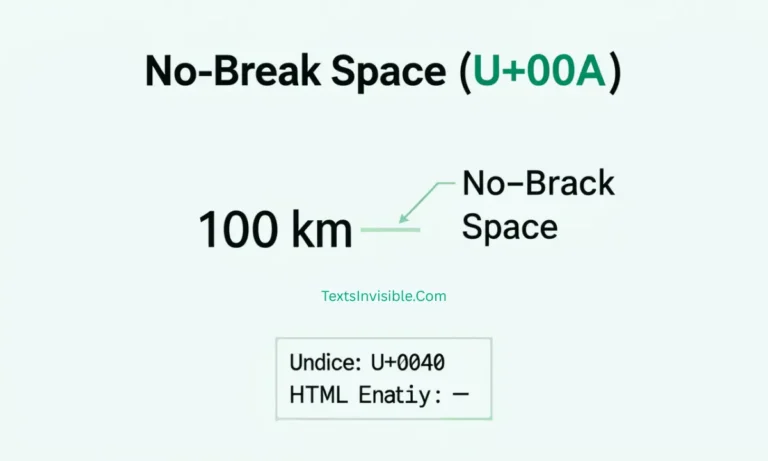
Instead, invisible characters are special Unicode symbols. These characters are technically there, but they don’t display any visual shape. This allows you to send a message that looks completely empty or create a username that appears transparent.
How a Unicode Text Converter Works
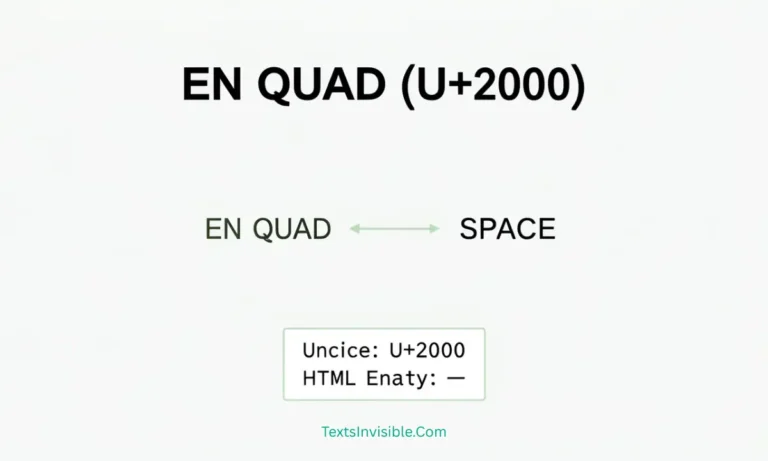
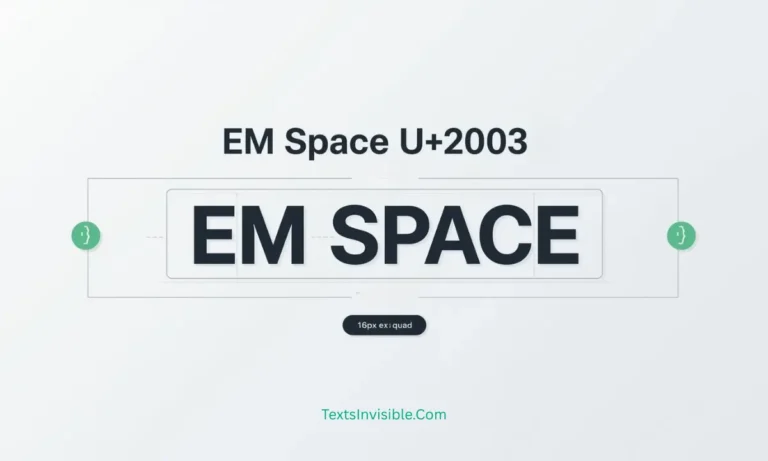
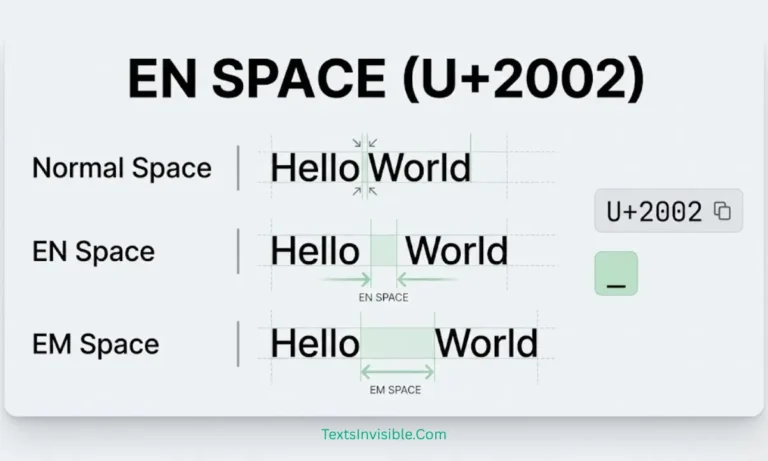
Computers recognize characters through a system called Unicode. While your keyboard has letters and numbers, there are thousands of “hidden” characters in the Unicode library.
A Unicode Text Converter takes these specific blank codes (like the “Braille Pattern Blank” or “Hangul Filler”) and allows you to copy them. When you paste these into a chat box, the app thinks you’ve typed real content, even though nothing shows up on the screen!
Top Uses for Invisible Characters
1. Free Fire Invisible Text
In the world of gaming, your nickname is your identity. Many players use Free Fire Invisible Text to create a clean, minimalist look or to hide their name entirely from opponents. Using a blank space in your IGN (In-Game Name) can make your profile stand out from the crowd.
2. Messaging Apps (WhatsApp & Telegram)
Usually, you can’t send a message that is just a space on WhatsApp; the “Send” button simply won’t appear. By using an invisible character, you can send empty bubbles to prank your friends or create aesthetic breaks in long blocks of text.
3. Social Media Bio Customization
Want to add a line break in your Instagram or TikTok bio that the app usually ignores? Use invisible text to force the layout exactly how you want it.
Pro Tip: Using a Reverse Text Generator
If you want to take your digital creativity even further, you can pair invisible characters with a Reverse Text Generator. This tool flips your text backward or upside down. Combining flipped text with invisible spacing is a great way to create unique bios and attention-grabbing captions that nobody else has.
Why Use Our Website?
Our platform is designed to make these digital tricks simple. We provide a one-click solution to:
- Generate Invisible Text instantly.
- Access a reliable Unicode Text Converter.
- Create the perfect Free Fire Invisible Text for your gaming profile.
- Play with words using our Reverse Text Generator.
Conclusion
Invisible text is a fun and creative way to customize your digital presence, whether you are trying to win in Free Fire or just want to mess with your friends on WhatsApp. By using the right Unicode characters, you can bypass the “standard” rules of text boxes and express yourself in a whole new way.